Write Now. Send Later.
Your messages, delivered on your schedule. TickNRelax lets you write a WhatsApp message today and choose when it is sent. Your customers do not need to install anything, and you never forget to reply.
Free trial included · pay on WhatsApp when you are ready
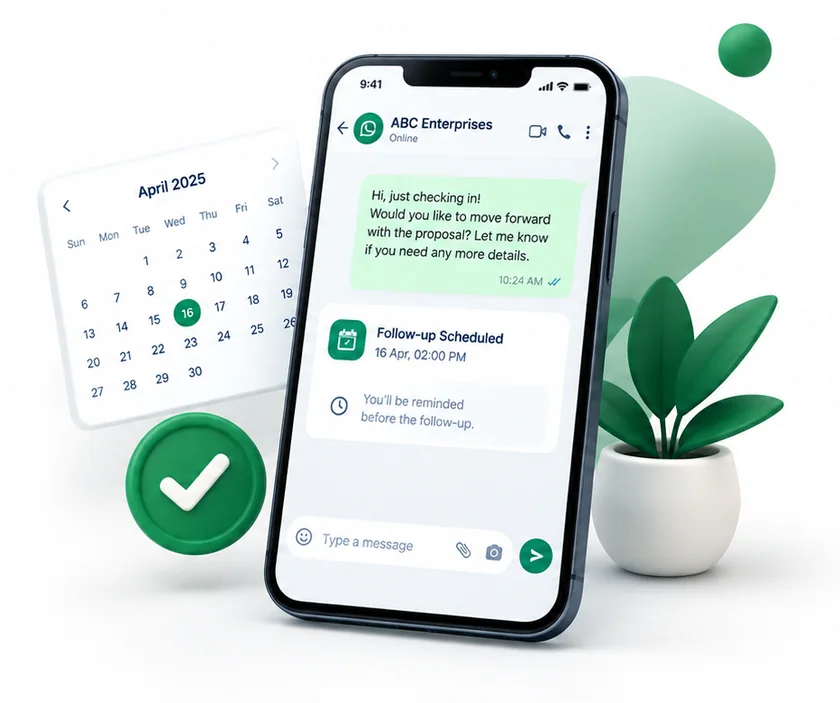
People don’t lose interest. You just forget to reply.
Someone asked about a flat, a class or an appointment. You meant to reply. Then the day got busy, then the week. They never said no. They just never heard from you.
- You try to remember follow-ups, or search old chats
- People who were interested slowly move on
- Keeping track by hand takes time you need for your business
Every follow-up scheduled. Ready on time. One tap to send.
Add your contacts, write your message once and pick a time. When the time comes, it is ready to send with the person’s name already in it.
- Schedule a message for one person or a whole group
- See what to send today as soon as you open the app
- Keep using WhatsApp the way you already do
Everything you need to follow up on time.
Add contacts from Excel
Download a ready sheet for your type of business, fill it in and upload it.
Messages that feel personal
Write once. Each person’s name and your notes are added for you.
A list of what to send
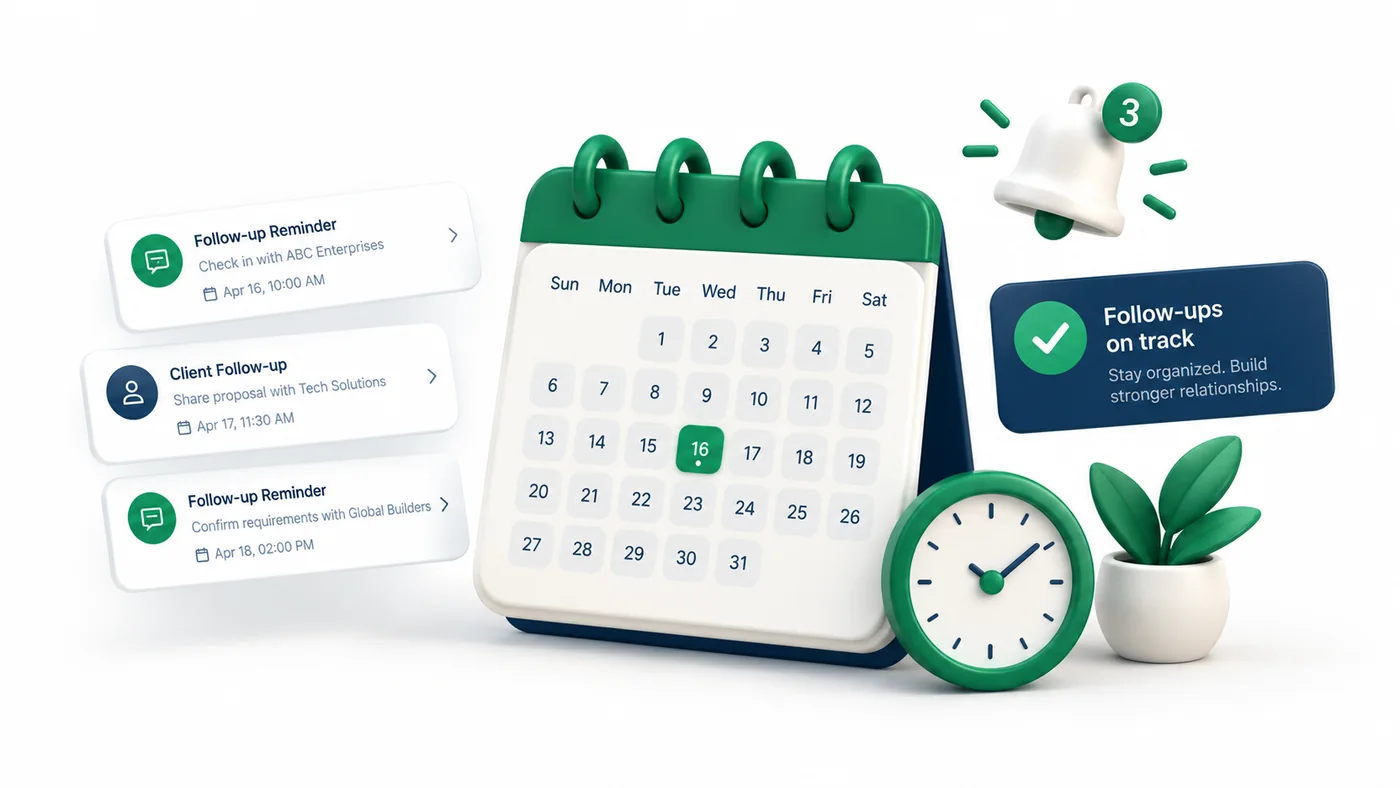
Every message is scheduled, and what is due now shows at the top.
Saved messages you can reuse
Save a message and the people it goes to, then use it again whenever you need.
Reminders with a sound
Personal reminders that ring when it is time, even if you are on another page.
Optional Google Sheets record
On plans that include it, your contacts and messages are saved to your own Google Sheet.
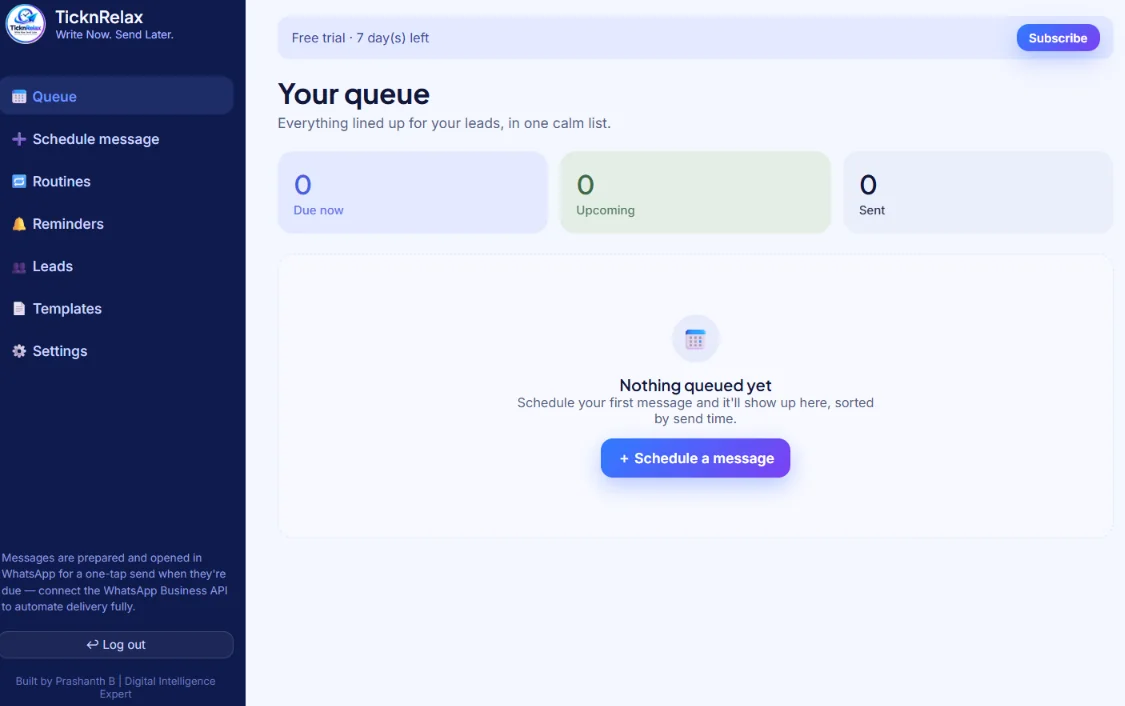
One simple list of everything to send.
See what is ready to send now, what is coming up and what is already sent. Schedule your next message in one click.
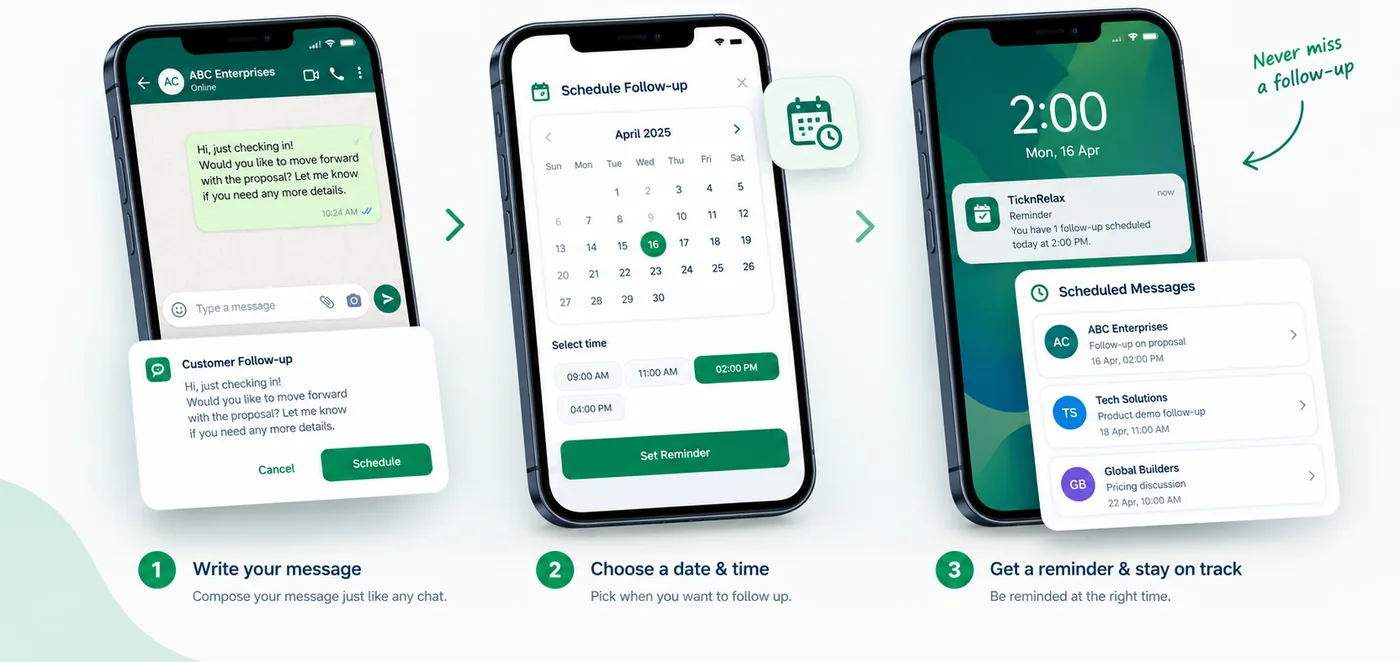
Three easy steps.
You keep using WhatsApp the way you always do. TickNRelax just makes sure you never forget a follow-up.
Add your contacts
Type them in, paste a list, or fill in a ready sheet for your type of business and upload it.
Write the message once
Write one message. Each person’s name and your notes about them, like the property, course or service, are added automatically.
It is ready when the time comes
At the time you chose, the message is ready in WhatsApp. Tap once to send it.
Whatever you sell, people need a reply.
Real estate
Site visit reminders, new properties that match what people asked for, and follow-ups after a visit.
Training institutes
Follow-ups for enquiries, reminders when a class starts, and a nudge before admissions close.
Salons & clinics
Reminders to book again, appointment confirmations, and a message to regular customers who have not visited in a while.
Shops & online stores
Back-in-stock messages, follow-ups for people who showed interest, and replies to customers who are still waiting.
Made for people who already contacted you.
TickNRelax is not for sending messages to strangers. It is for people who already messaged you, booked with you, or asked you a question. The idea is simple: reply on time, every time.
No sending messages to strangers. No new app for your customers to install. No change to how you use WhatsApp.
Simple plans. Pick what fits your business.
Questions, answered.
What happens when my free trial ends?
Your contacts, saved messages and everything else are kept. Access pauses until you choose a plan, pay on WhatsApp and we confirm it.
Does it send messages by itself?
It depends on the plan. Some plans send automatically using the WhatsApp Business service. On other plans, the message is ready and you send it with one tap.
Can I message people who never contacted me?
It is not made for that. Use it for people who already reached out to you.
How do I pay?
Pay on WhatsApp. Your plan is switched on once the payment is confirmed.
Let’s set it up with your own contacts.
Ten minutes on a call. Bring five real contacts and your first message will be scheduled before we finish.